

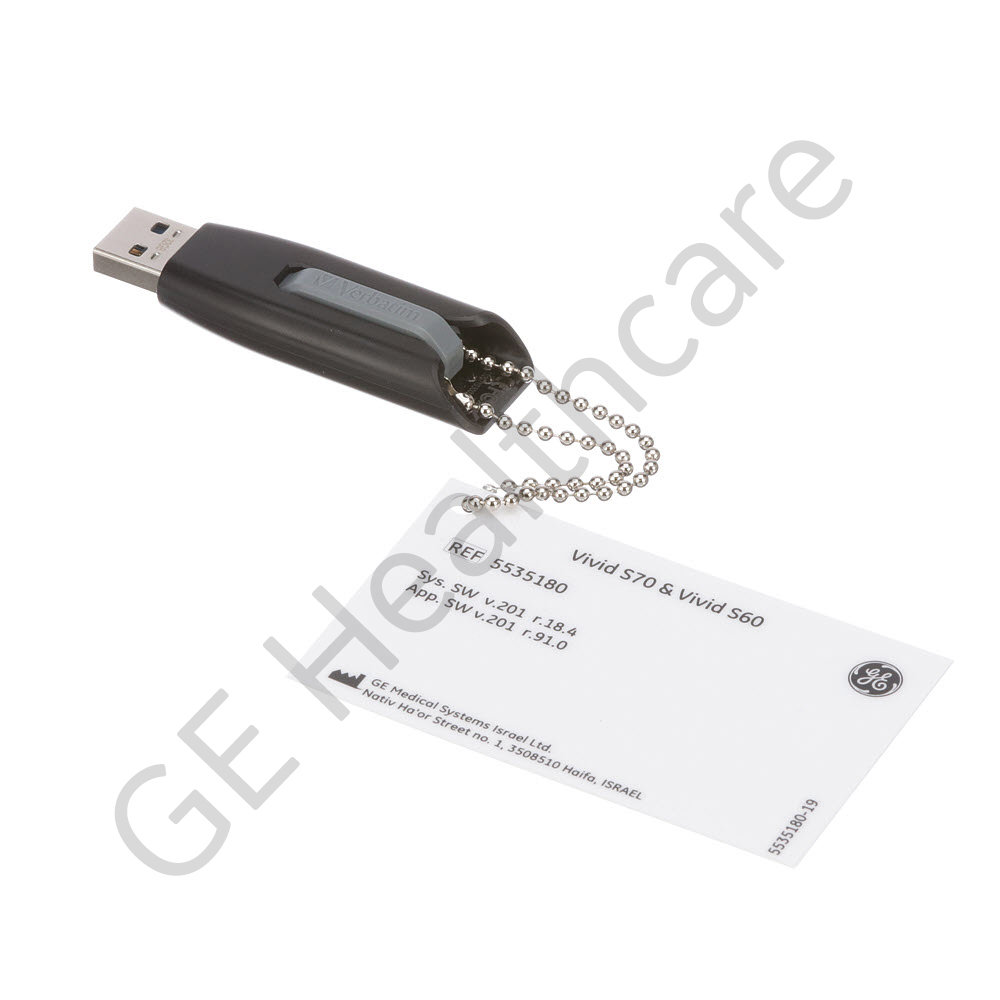
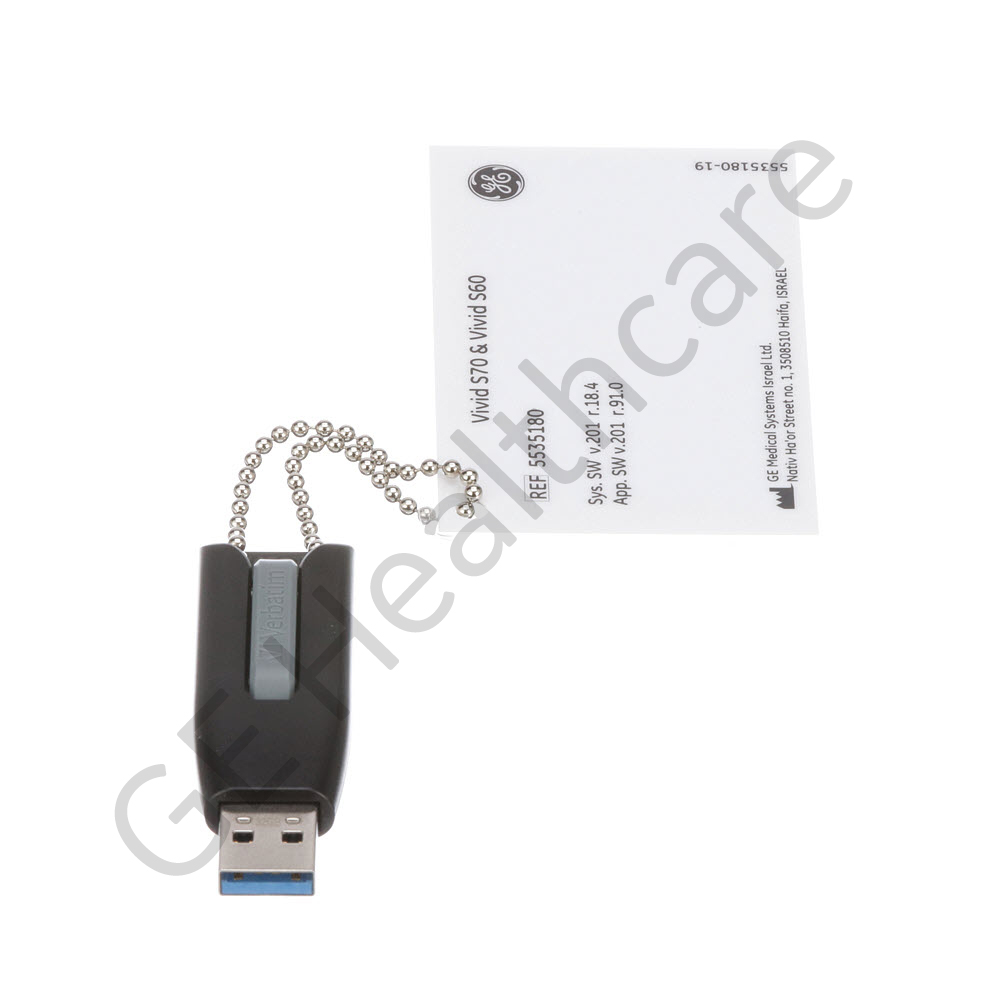
DOK with System Software v201.91.0
| 5535180-19 | |
| Ultrasound | |
| Other Ultrasound | |
| GE HealthCare | |
Add to Wish List
Sign In & Add To Cart
Please select date
Second Opinion Approval Needed
Enter your approval number and submit to add item(s) to cart.
Approval Number
Please enter approval number
OR
Don't know your approval number? Call 800-437-1171
Enter opt 1 for the first three prompts, and have your System ID available.
If you add item(s) to cart and submit your order without the
approval number, GE will contact you before your order
can be confirmed for shipment.
Second Opinion Approval Needed
Select your approver's name and submit to add item(s) to your cart
Approver Name
Please Select Approver Name
OR
Don't know your approval number? Call 800-437-1171
Enter opt 1 for the first three prompts, and have your System ID available.
If you add item(s) to cart and submit your order without
selecting an approver, GE will contact you before your order
can be confirmed for shipment.
Product Overview
The Disk On Key (DOK) with system software version 201.91.0-service version is used for Vivid S60 and Vivid S70 and similar systems. DOK is also known as USB Flash Drive (UFD). USB flash drives are often used for storage, data back-up and transfer of computer files. The flash drive consists of a small printed circuit board carrying the circuit elements and a USB connector, insulated electrically and protected inside a plastic, metal, or rubberized case. The printed text on this DOK is resistant to hand rubbing over it, or to a cloth soaked with distilled water. The DOK has the date of production written on it. The GE product is an innovation and technology which fits well into versatile customer needs. The part is diligently designed for high performance and reliability. It is securely packaged inside a high quality packing box to avoid physical damage during transit and labeled with details about the product, Quality Assurance (QA) seal and shipment details.